
Agent skill
Video Resources
Create Realistic AI UGC Ads From One Prompt
Download the Higgsfield UGC skill and follow the complete Bright Hour workflow from real product photos to a consistent creator, reference sheets, and a scale-accurate video setup.
Higgsfield UGC builder
Download the complete skill
This skill contains the five-step workflow used for Bright Hour: model creation, character and product reference sheets, scale locking, and one realistic 15-second UGC video.
Step 1 · Product inputs
Start with real product photography
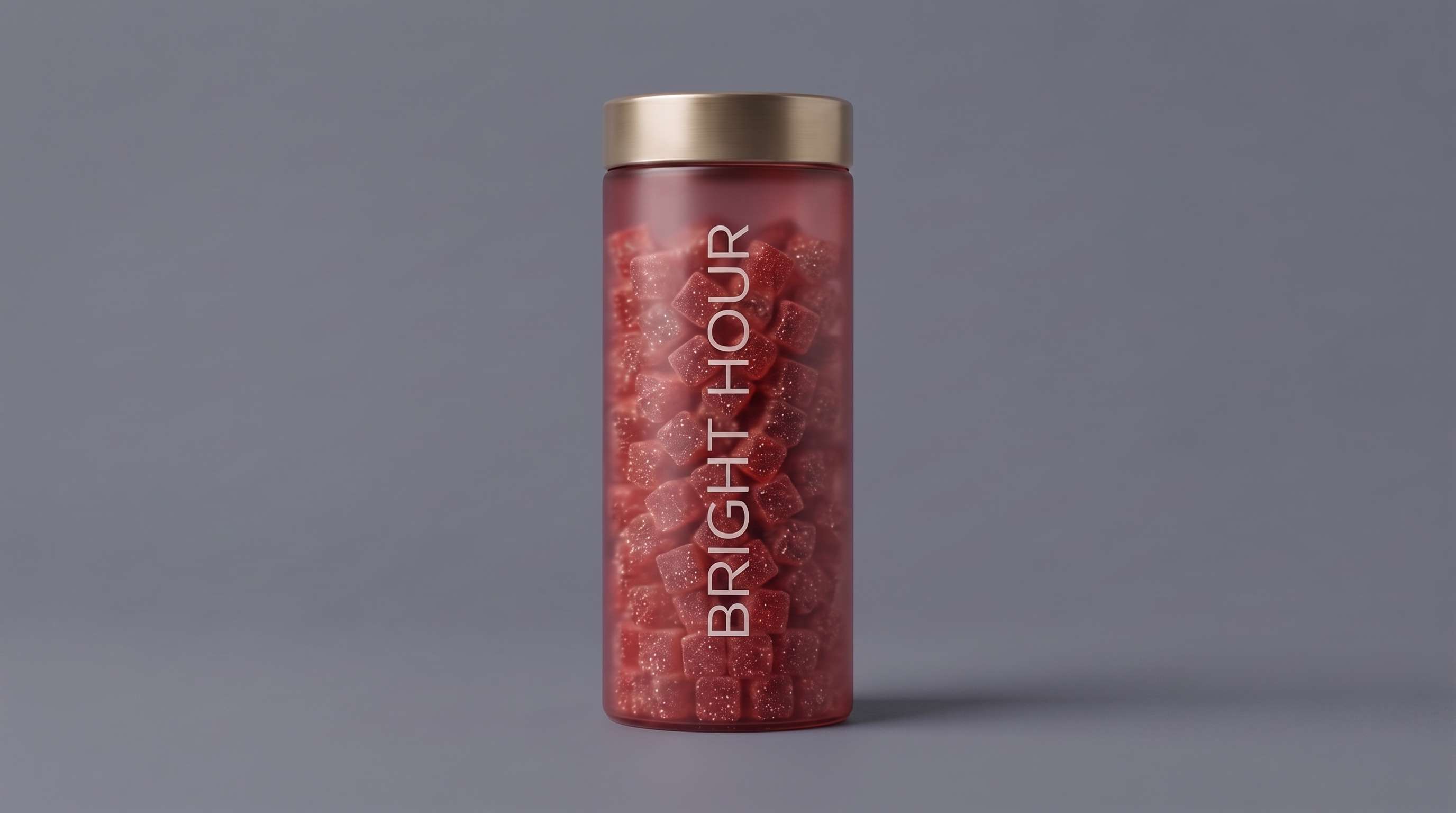
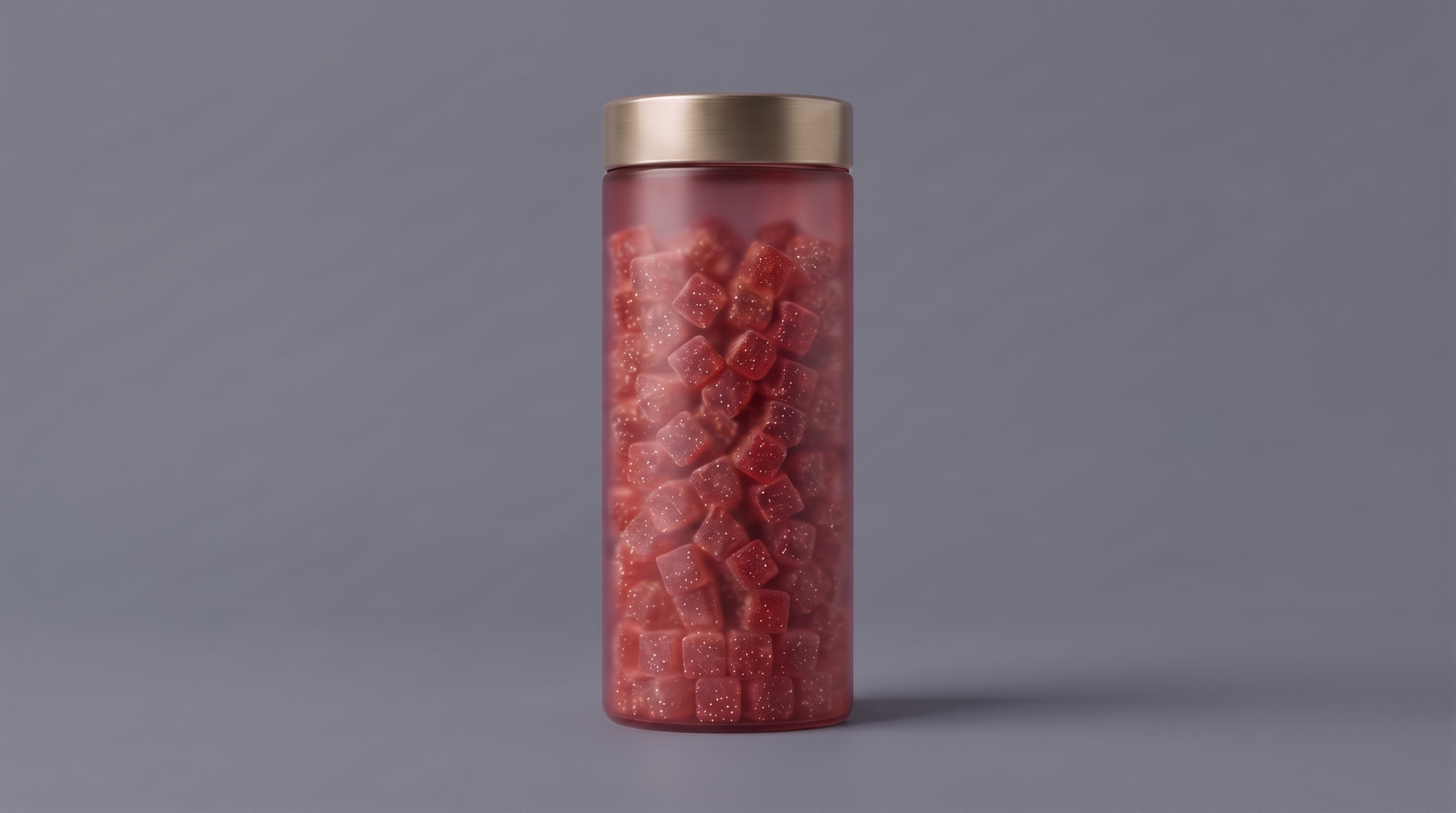
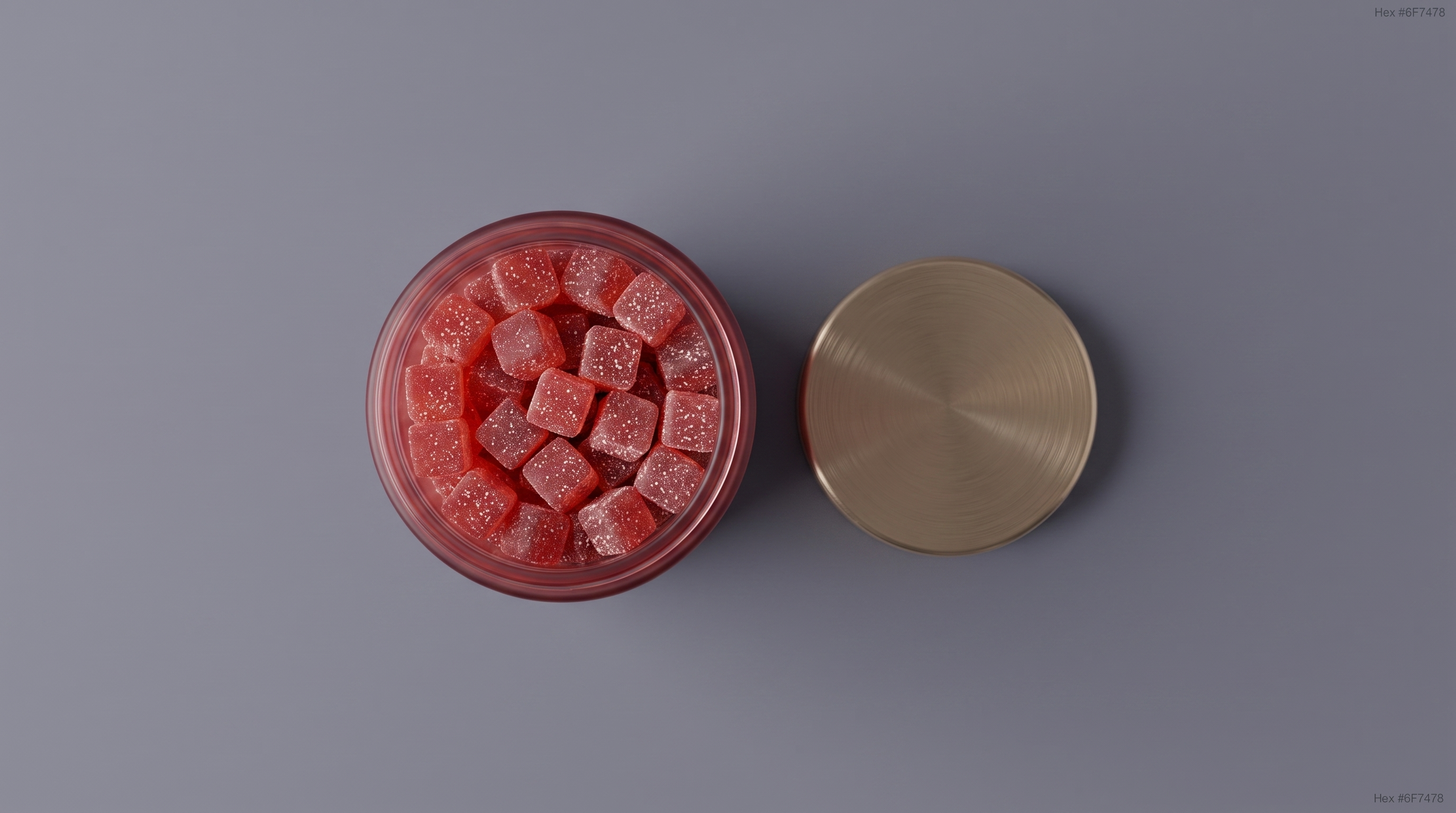
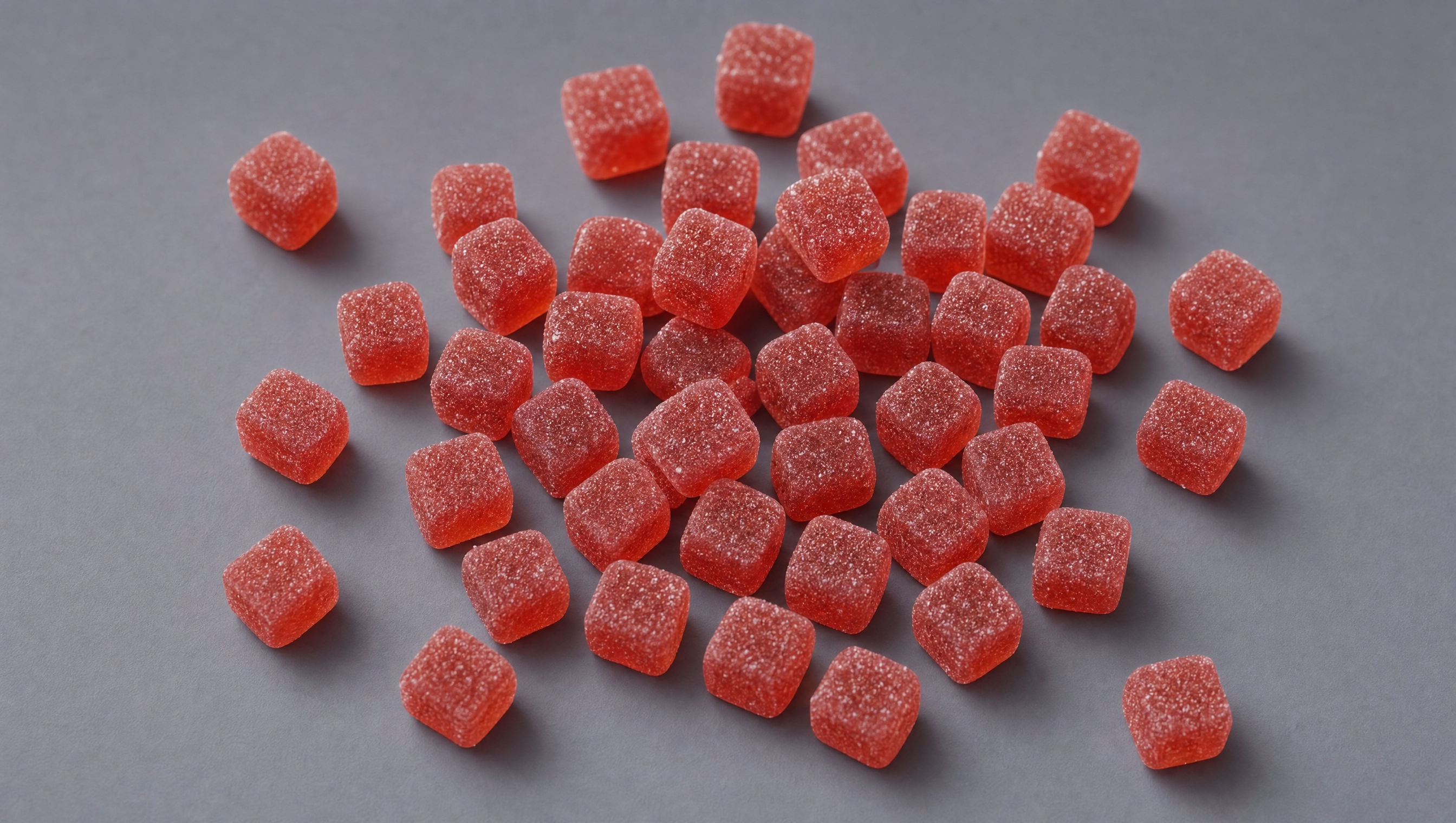
These four angles give the image model the jar, label, lid, and gummies without forcing it to invent missing product details.


Step 2 · Scale input
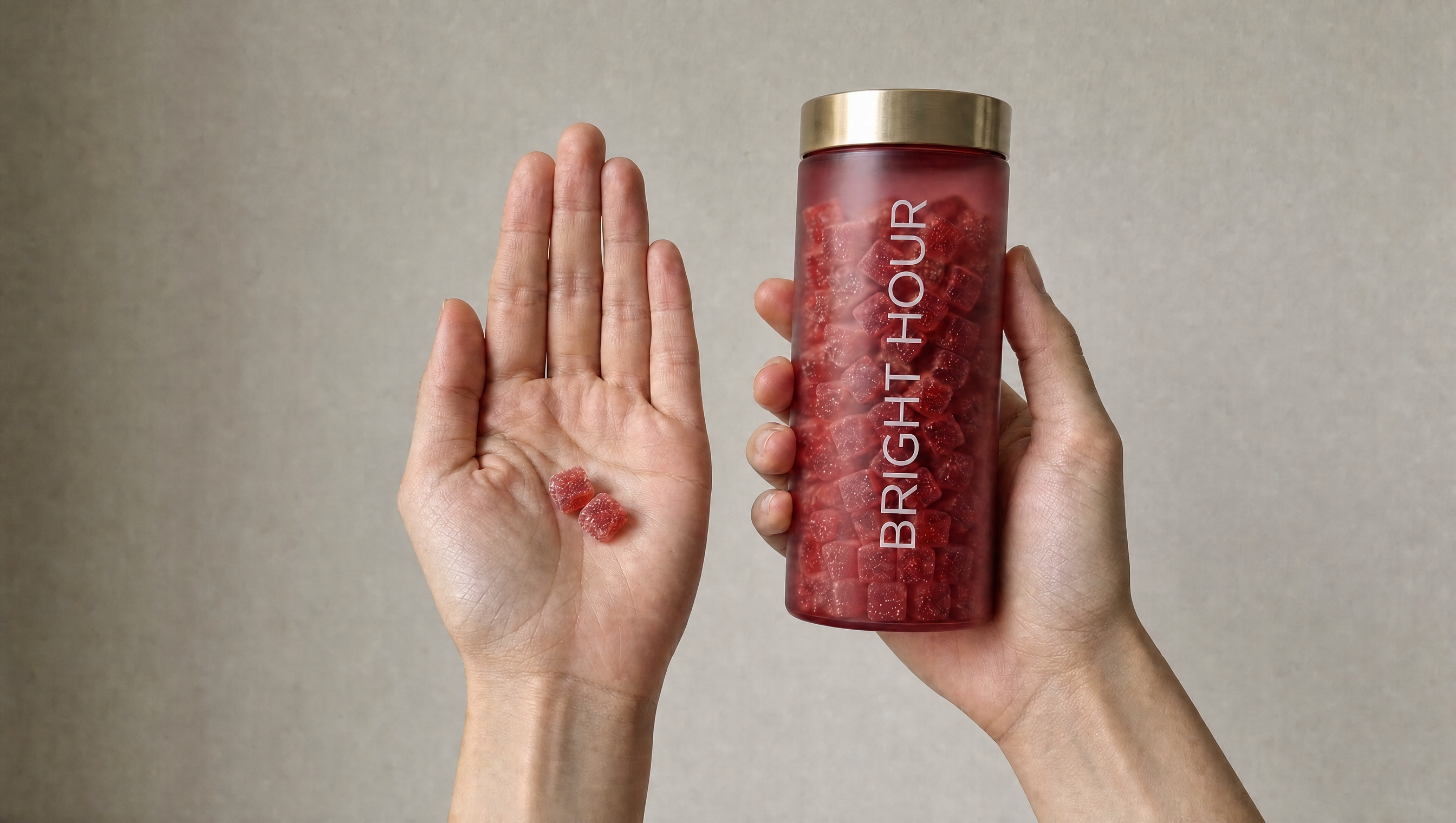
Lock the product’s real-world size
The jar and gummies are shown in a hand so the generated creator interaction keeps the product at a believable, repeatable scale.

Step 3 · Creator selection
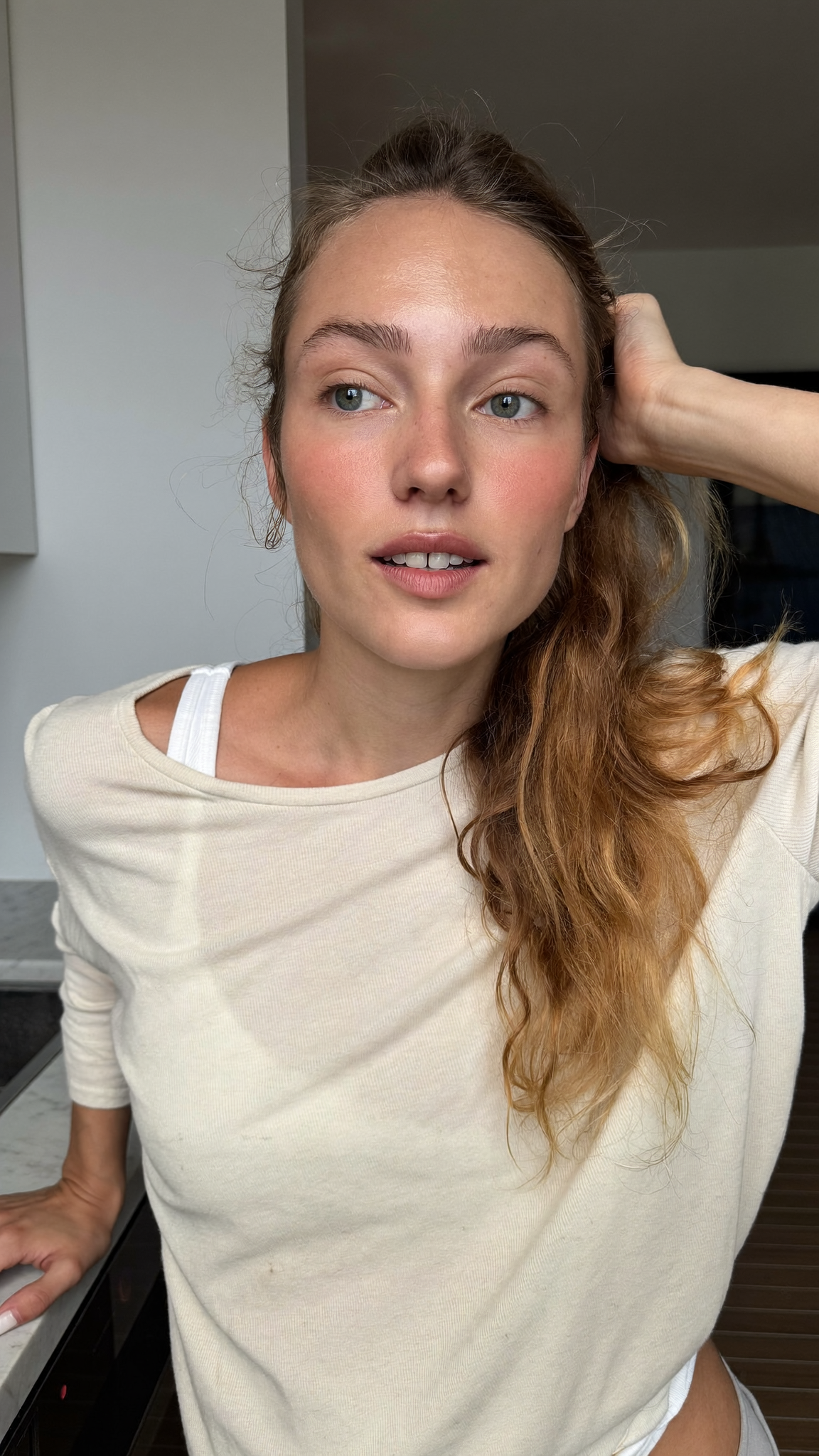
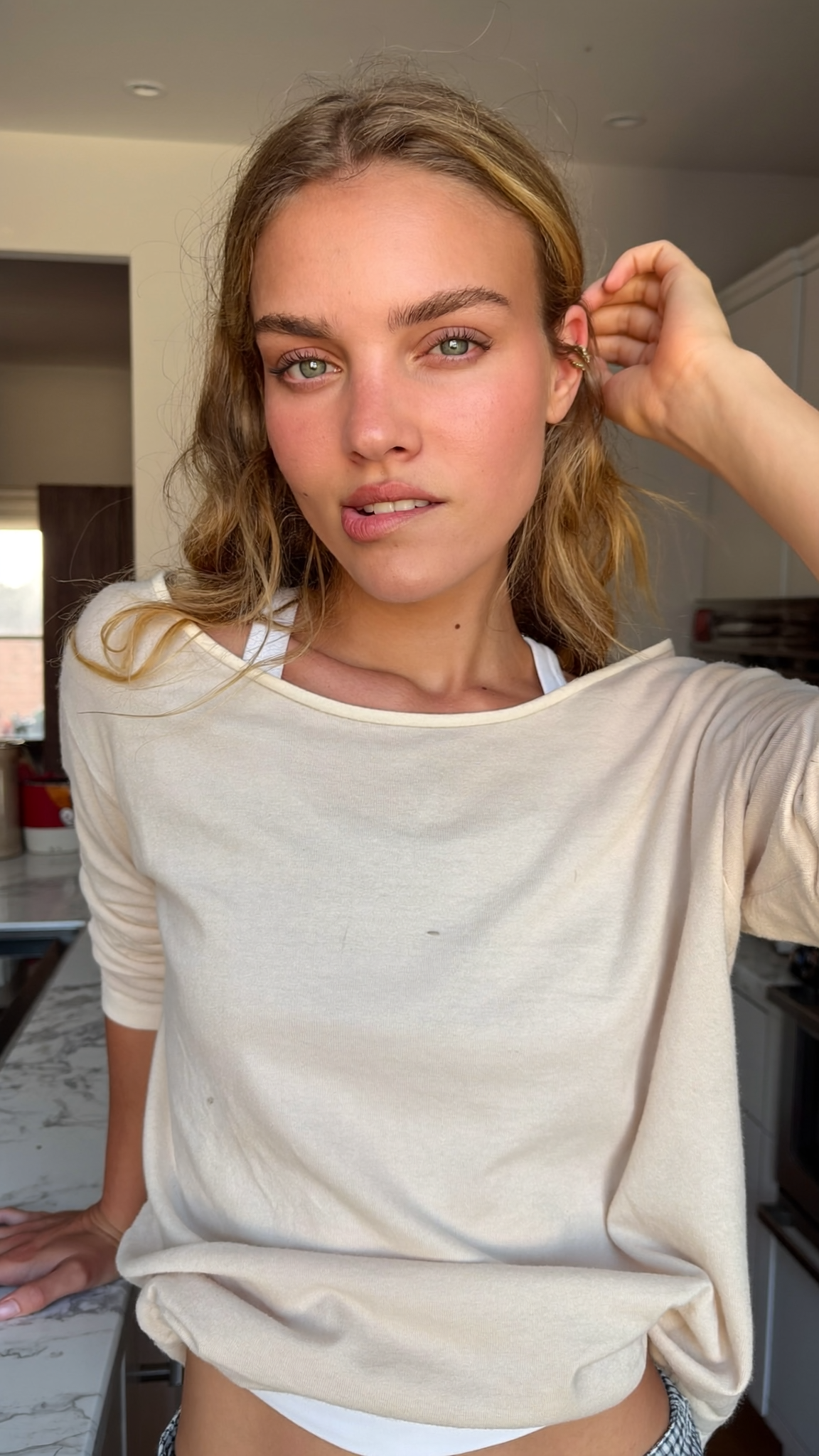
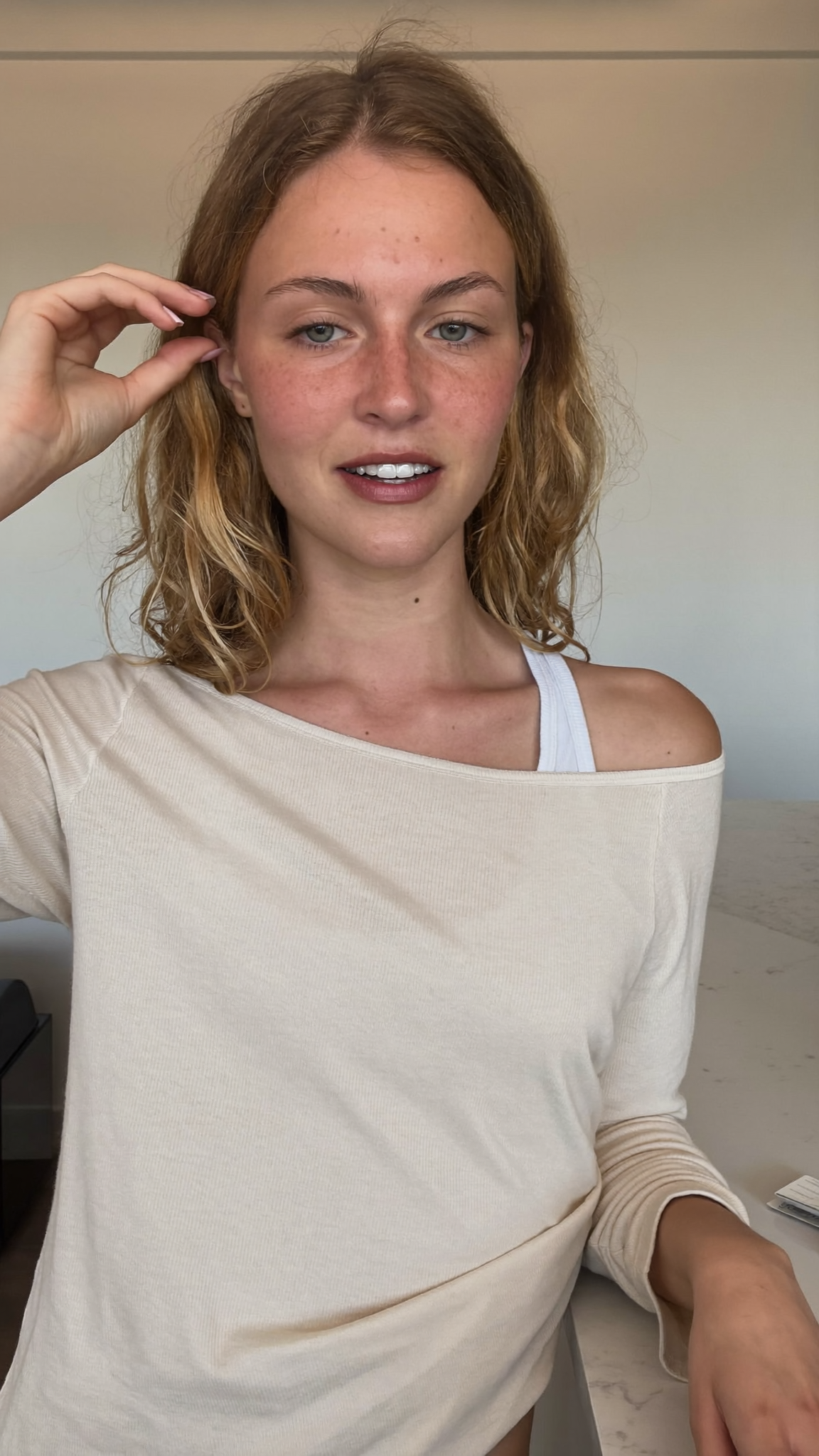
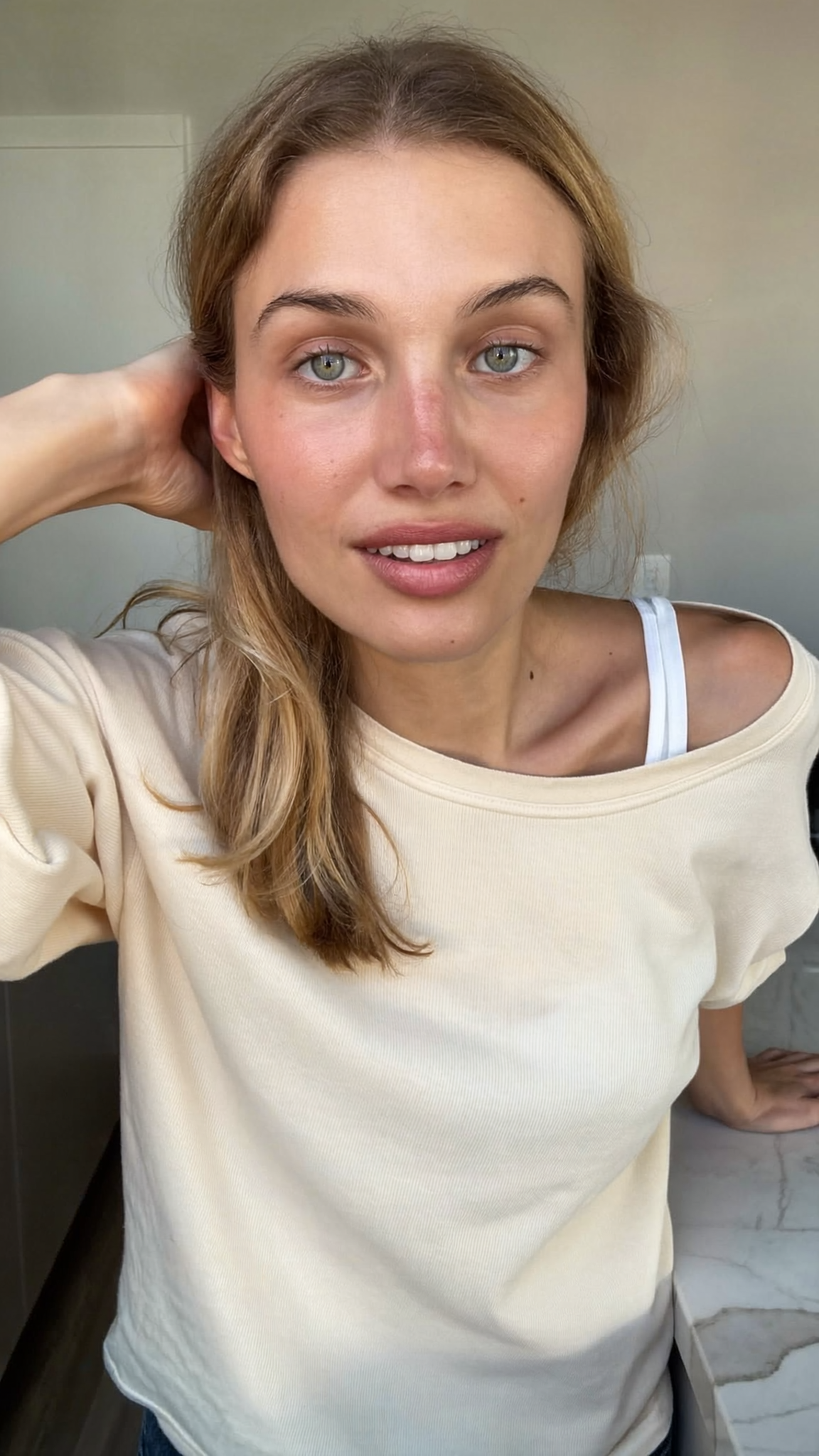
Choose the AI model
Four photoreal creator directions were generated for comparison. I chose Model A as the final Bright Hour model and used her as the identity anchor for every downstream asset.
Selected model: Model A


Step 4 · Locked assets
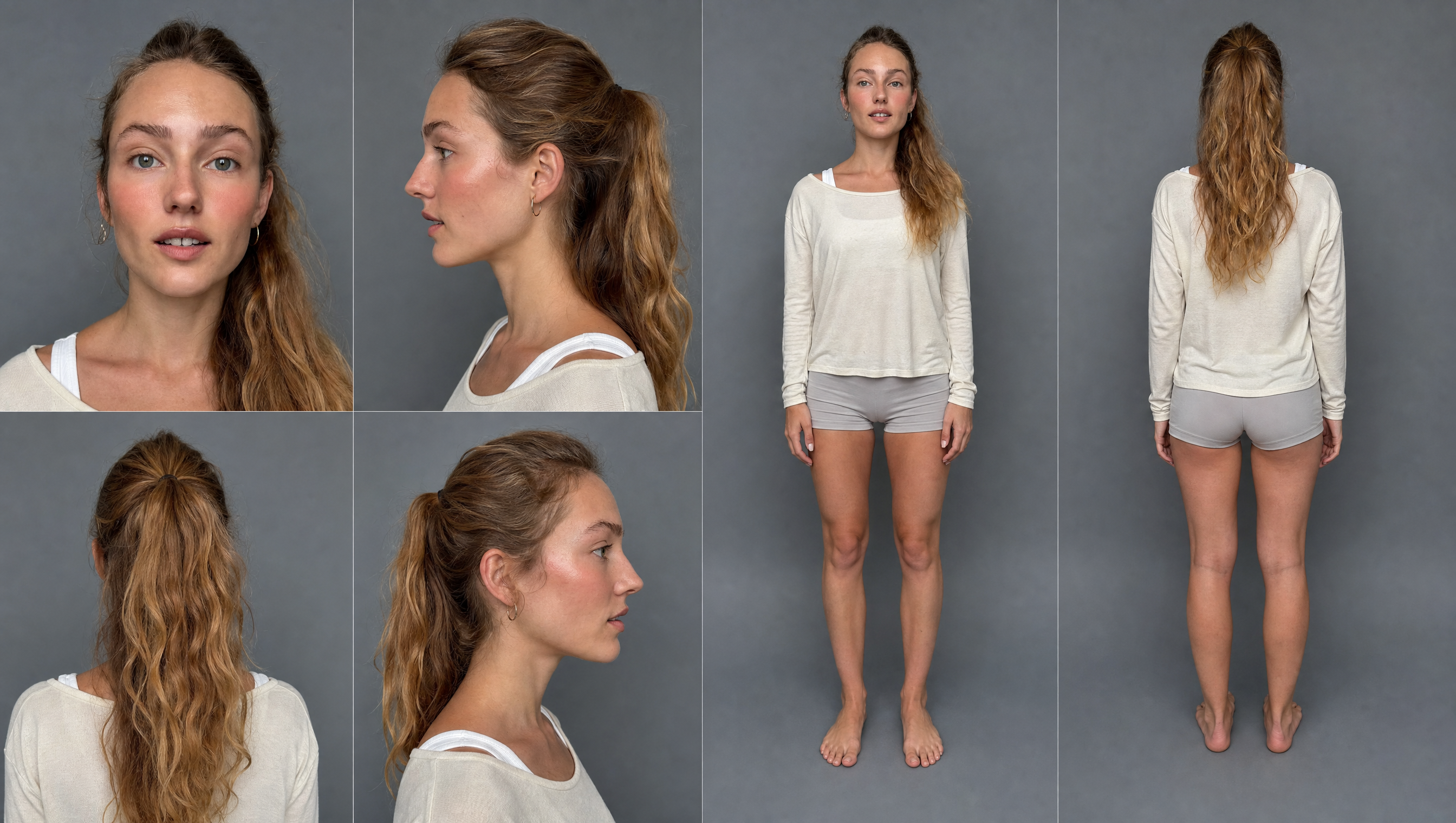
Build the reusable reference system
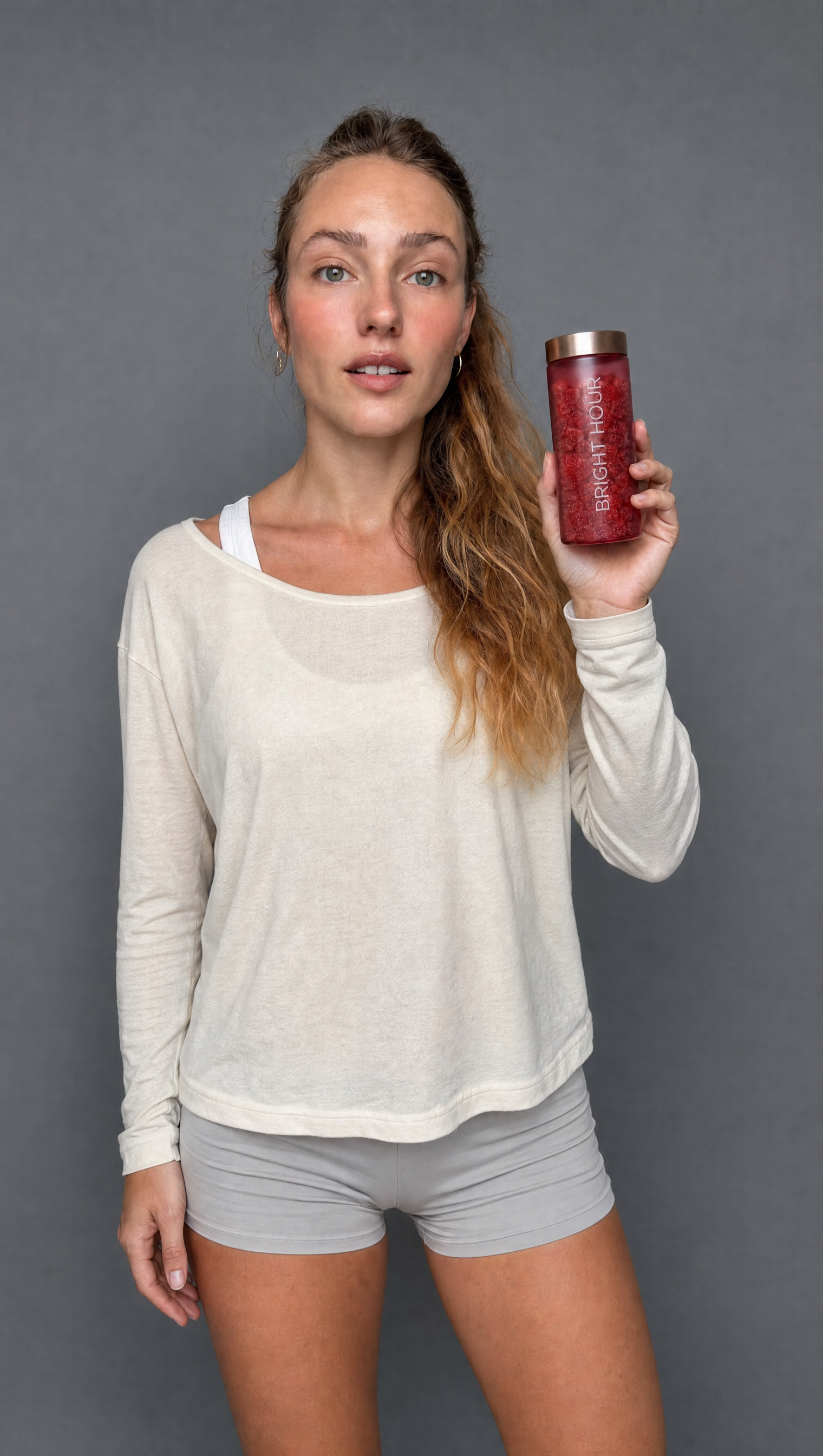
Model A becomes the six-angle character sheet, the real product photos become the product sheet, and both sheets combine with the source scale photo to create the final scale reference. These three assets are the source of truth for future Bright Hour videos.



More videos

Video
I Tested the Best AI Video Generators:
Compare 42 raw outputs from Gemini, Kling, MiniMax, and Seedance across nine production-ready video tests.
Open resources
Video
Create Vox Style Motion Graphics with Claude Code!
Watch the final Vox-style explainers created with Claude Code, including landscape, vertical, English, Turkish, and Spanish versions.
Open resources
Video
Claude Fable 5 Edited This Entire Video
Open resources
Video
Gemini OMNI Just Changed AI Video Forever!
See how Gemini Omni transforms the same source footage, with Seedance comparisons where available.
Open resources